Skip to Content
LibreTexts Features in Two Minutes

LibreTexts Features in Two Minutes

Short videos to demo essential features and the first place to see the newest features in the LibreVerse! Enroll now for free and get updates when new content is added. 
Responsible Justin Shorb
Last Update 11/13/2026
Completion Time 1 hour 55 minutes
Members 1
Academy Online
View all
Academy Online: Earning Certificates and Badges
Preview
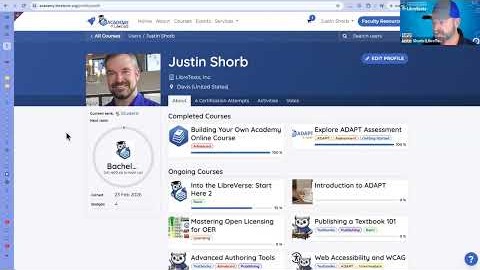
See how an Academy Online course tracks your progress: take the quizzes, earn a certification, level up with experience points and badges, and find every course and certificate you have completed on your profile. Clip length 1:50, from the OctoberFest 2026 session "07 Concluding Comments: The Future is Open" (1:40 to 3:30).
The Libraries
View all
Commons: Searching for a Book in the Catalog
Preview
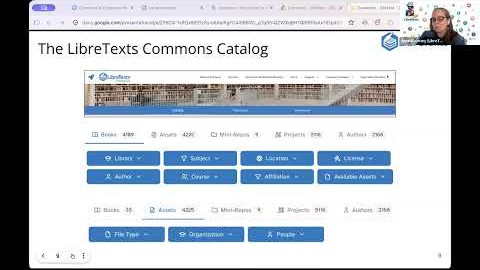
Search the LibreTexts Commons catalog by keyword, then narrow your results with filters for books, assets, mini-repos, library, subject, location, license, author, course and available assets. Clip length 2:22, from the OctoberFest 2026 session "02 Commons & Conductor: Finding Resources" (8:48 to 11:10).
Conductor
View all
Conductor: Remixer 3.0, Searching and Auto-Numbering While Building a Book
Preview
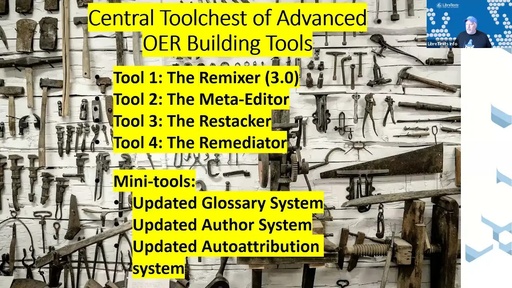
Delmar Larsen demonstrates Remixer 3.0 in Conductor: searching across the libraries for pages to pull into a new book, arranging chapters, and letting the Remixer renumber pages automatically as you build. Clip length 6:14, from the June 5, 2026 First Friday session "Next-Generation OER Co-Authoring Tools" with Delmar Larsen (4:05 to 10:19).
Conductor: Creating a New Project
Preview
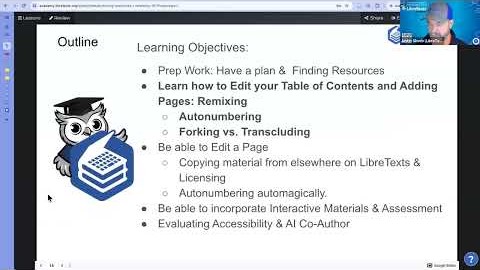
Create a new project in Conductor, pin it so it is easy to find, and organize your projects into folders, a big help for campus coordinators working across many books. Clip length 2:05, from the OctoberFest 2026 session "04 Authoring Textbooks I: Remixing" (12:40 to 14:45).
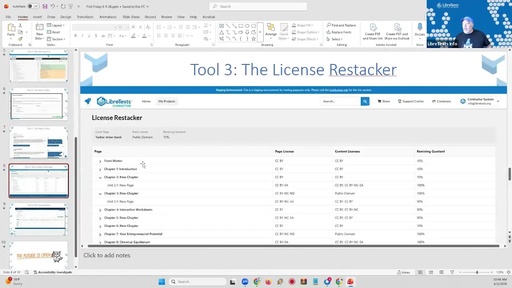
Conductor: The License Restacker for Mixed-License Books
Preview
How the License Restacker in Conductor reads the licenses of every page in a remixed book, flags incompatible combinations, and helps you settle on a licensing that works for the whole book. Clip length 4:41, from the June 5, 2026 First Friday session "Next-Generation OER Co-Authoring Tools" with Delmar Larsen (12:35 to 17:16).
ADAPT
View all
ADAPT: Attribution on Every Question
Preview
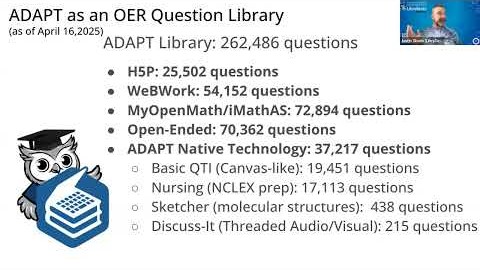
Every ADAPT question carries attribution for its open license. See where to click to find the authors and license behind a question. Clip length 0:45, from the LibreFest 2026 session "ADAPT I: Finding and/or Building your first ADAPT Course" (17:15 to 18:00).
ADAPT: Discuss-It Completion Requirements and Recording a Response
Preview
Set what students must do to complete a Discuss-It question (text, audio or video, minimum recording time, number of threads started and replies), then record a response as a student and watch the completion checklist update. Clip length 2:15, from the LibreFest 2026 session "ADAPT III: Discuss-It Question Type" (40:00 to 42:15).
ADAPT: Course Settings
Preview
Walk through ADAPT course properties: private notes, the textbook link, graded (summative) versus practice (formative) courses, term start and end dates, sharing a course publicly with other instructors, and linking a course to your LMS. Clip length 2:30, from the LibreFest 2026 session "ADAPT I: Finding and/or Building your first ADAPT Course" (31:20 to 33:50).
Connections
View all
Connections: Finding the Connections Forum and Seeking Collaborators
Preview
See where to find Connections, the LibreTexts community forum, from the Connections button and the Launchpad, and how the "seeking collaborators" area helps you find colleagues to work with on open education projects. Clip length 1:30, from the Open Education Week 2026 session "LibreTexts ADAPT: Homework Reimagined" (32:00 to 33:30).
The Forge
View all
The Forge: Seeing How a Student Wrote an Essay
Preview
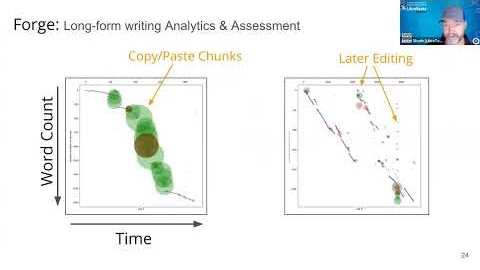
Walk through a Forge writing timeline to see how a student drafted an essay: when they typed, when they copied and pasted, where they went back to revise, and the final read-through before submitting. Clip length 2:15, from the OctoberFest 2026 session "06 The Forge" (2:40 to 4:55).
Jupyter
View all
Jupyter: Adding Live Code to an Exercise with Binder
Preview
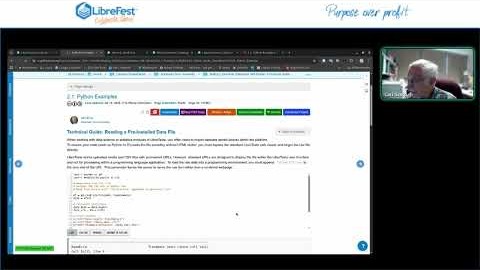
Add a live Binder code cell inside an exercise box on a LibreTexts page, then run it the way a student would, a simple way to make a textbook page interactive with Python. Clip length 3:05, from the LibreFest 2026 session "Building a Text Page with Jupyter Binder" (22:20 to 25:25).