Meet the Libraries
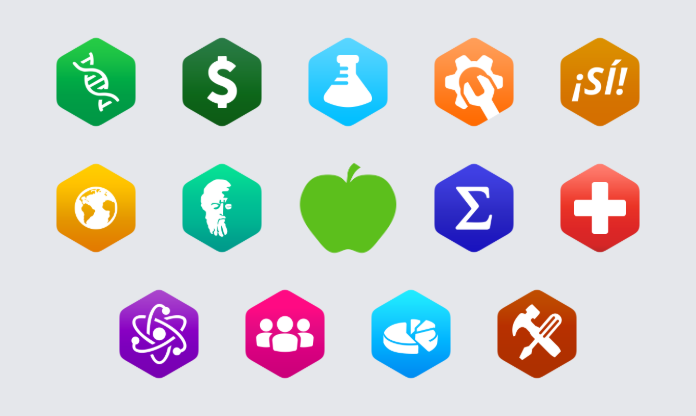
The Libraries: Open Content for Every Discipline
The LibreTexts Libraries are discipline-based collections, from Biology and Chemistry to Humanities, K-12 Education, Statistics and Workforce. Each library brings together openly licensed textbooks, instructional materials, multimedia and other resources organized around its subject area.
For readers, the Libraries are where you discover OER, browse Campus Bookshelves, and find Learning Objects to use in your courses. Behind the scenes, they're also the source content for the Remixer, so anything you find there can become part of a book of your own.
Open any library from the Launchpad, or browse every book in one place on Commons.
What you can do in the Libraries
- Find instructional materials by discipline, topic or resource type, from whole textbooks to single chapters and modules.
- Adopt existing OER by using a complete LibreTexts textbook or selected chapters and readings for your course.
- Adapt and remix openly licensed content to fit your own course objectives, as each license allows.
- Explore Campus Bookshelves where institutions keep the books their own faculty have built or customized.
- Use Learning Objects such as interactive figures, simulations and other ancillary materials.
- Take it with you with PDF downloads and print copies of many books.
Where to find more help
This course gives you quick tours. For the full details, these LibreTexts resources are kept up to date by our team:
- LibreTexts Construction Guide 3e: Libraries, plus chapters on Remixing and Basic Editing.
- Insight knowledge base: the Textbooks section, Open Licenses, and Remixes, Collections, and Adaptations.
- Still stuck? The LibreTexts Support Center is happy to help.
Take a look: The Libraries
Here's the Construction Guide's overview of the Libraries. It updates automatically whenever the guide does.
Commenting is not enabled on this course.